Precise touch interaction
Write, draw, underline, zoom, move elements and work directly on documents, images, presentations or web content.



An advanced touch solution to transform classrooms, academies, universities, training centres and corporate spaces into collaborative, modern and fully digital environments.

A 4K interactive display for writing, presenting, screen sharing, video conferencing and working with documents in real time.
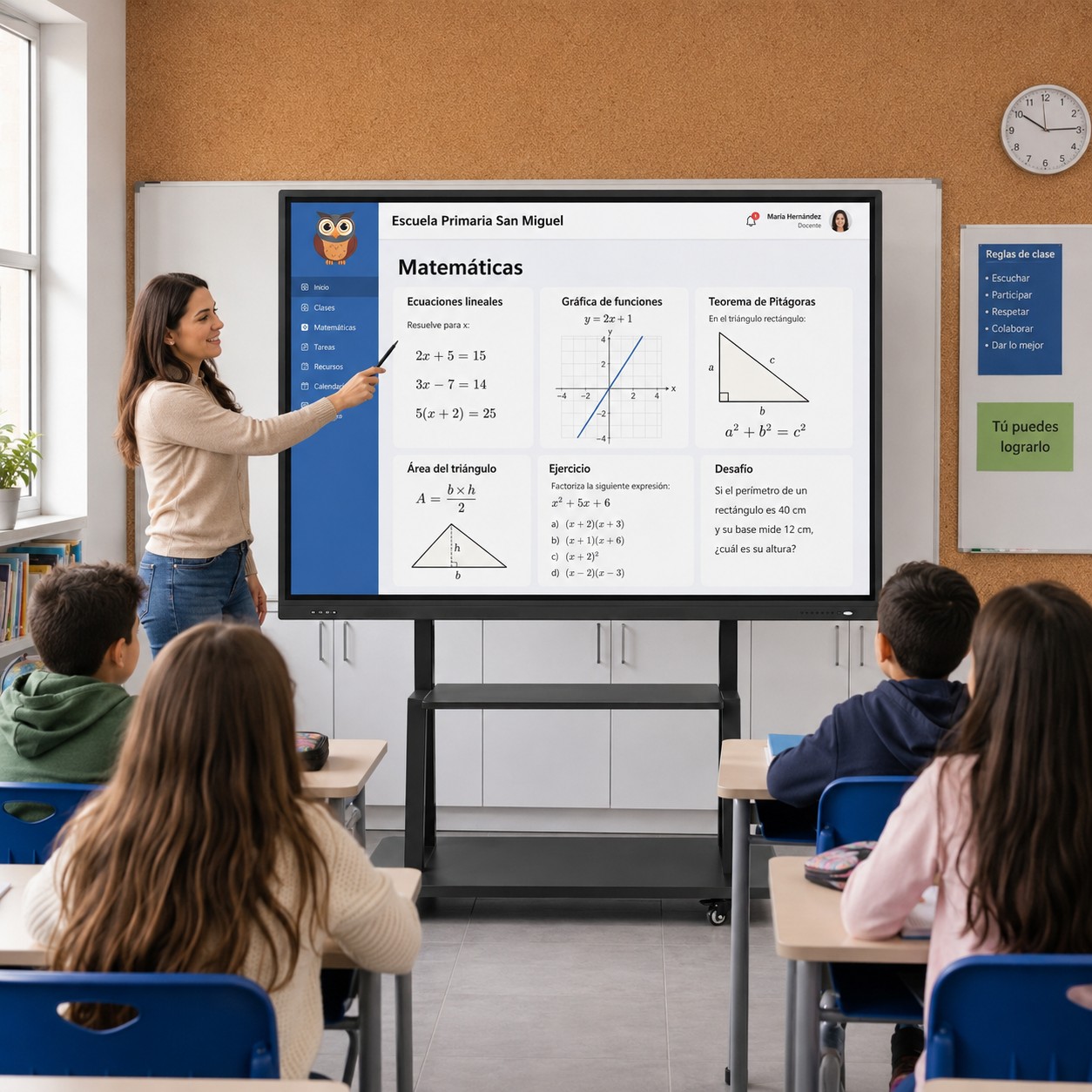
The 4K smart interactive whiteboard is a professional tool designed to improve communication, training and collaboration in education and business settings.
Unlike a conventional display, an interactive digital whiteboard lets you write directly on the surface, annotate, open documents, share your screen, play videos, browse the internet and work with digital content in real time.
It is the ideal solution for primary and secondary schools, universities, academies, meeting rooms, training centres, coworking spaces and companies that need to explain ideas, train teams and present projects in a clearer, more visual and participative way.
With 4K UHD resolution, a built-in Android system, high-precision touch technology, a professional camera and smart microphones, this unit replaces several traditional devices with a single modern solution built for everyday use.
A versatile solution to improve teaching, optimise meetings, strengthen collaboration and modernise any work or training space.
Write, draw, underline, zoom, move elements and work directly on documents, images, presentations or web content.
The interactive display helps capture attention, explain complex concepts and achieve more active participation from students or teams.
Mirror your screen from a computer, tablet or phone to present content without always relying on cables or complicated set-ups.
With a built-in camera and smart microphones, it makes hybrid meetings, online training, remote lessons and collaborative presentations easy.
Open and edit Word, Excel, PowerPoint and PDF files with real-time annotations and options to save or share.
Replaces a traditional whiteboard, projector, display, speakers, camera and collaboration tools with one integrated, modern solution.
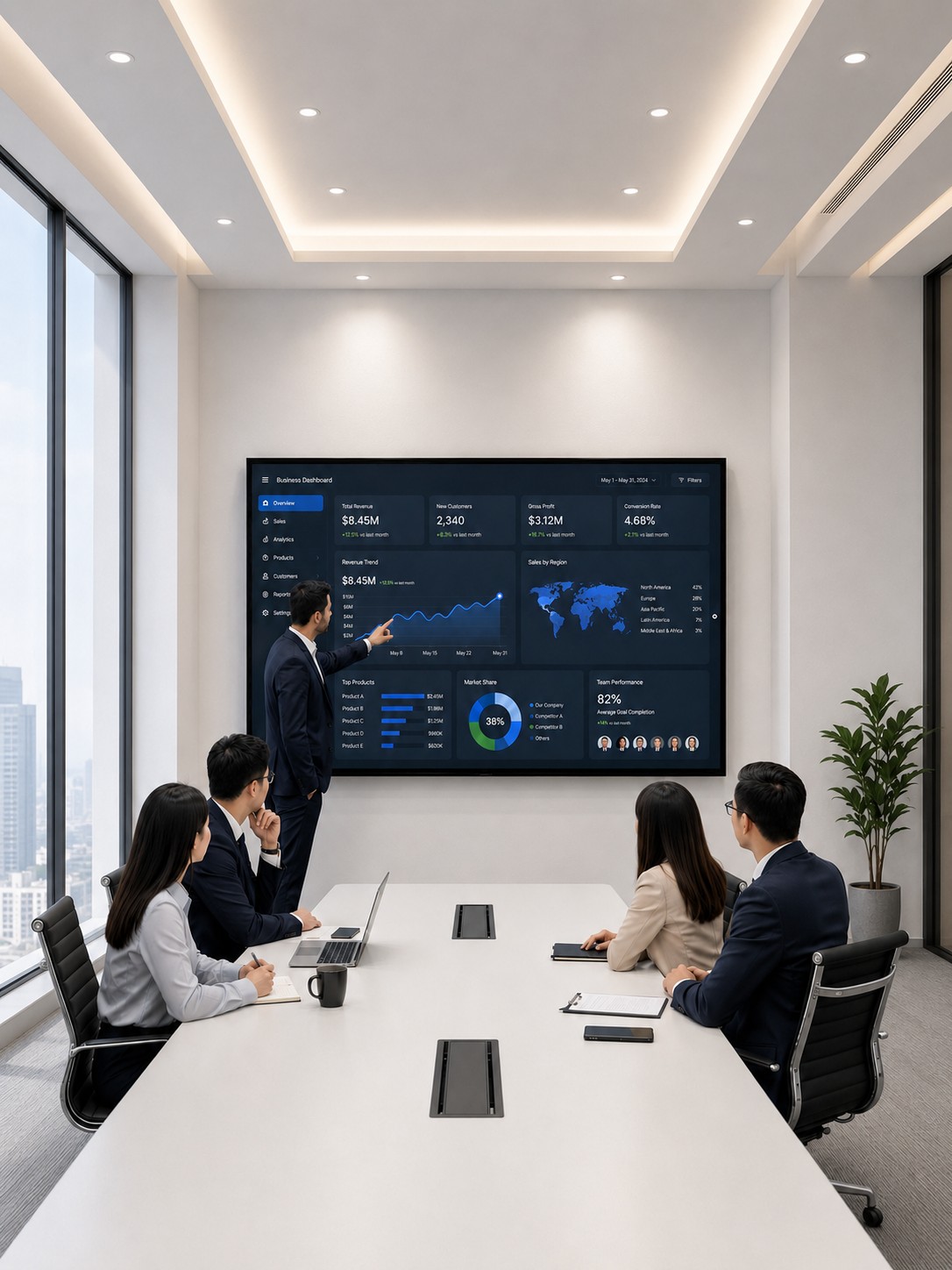
The interactive whiteboard is designed to deliver a smooth, modern and professional experience in any environment where visual communication matters.
Its 4K UHD display provides a sharp image for text, graphics, videos, plans, documents and presentations. Infrared touch technology allows natural, precise writing, ideal for lessons, meetings, training sessions and teamwork.
A professional unit designed for education, business, training, video conferencing, presentations and collaborative spaces.
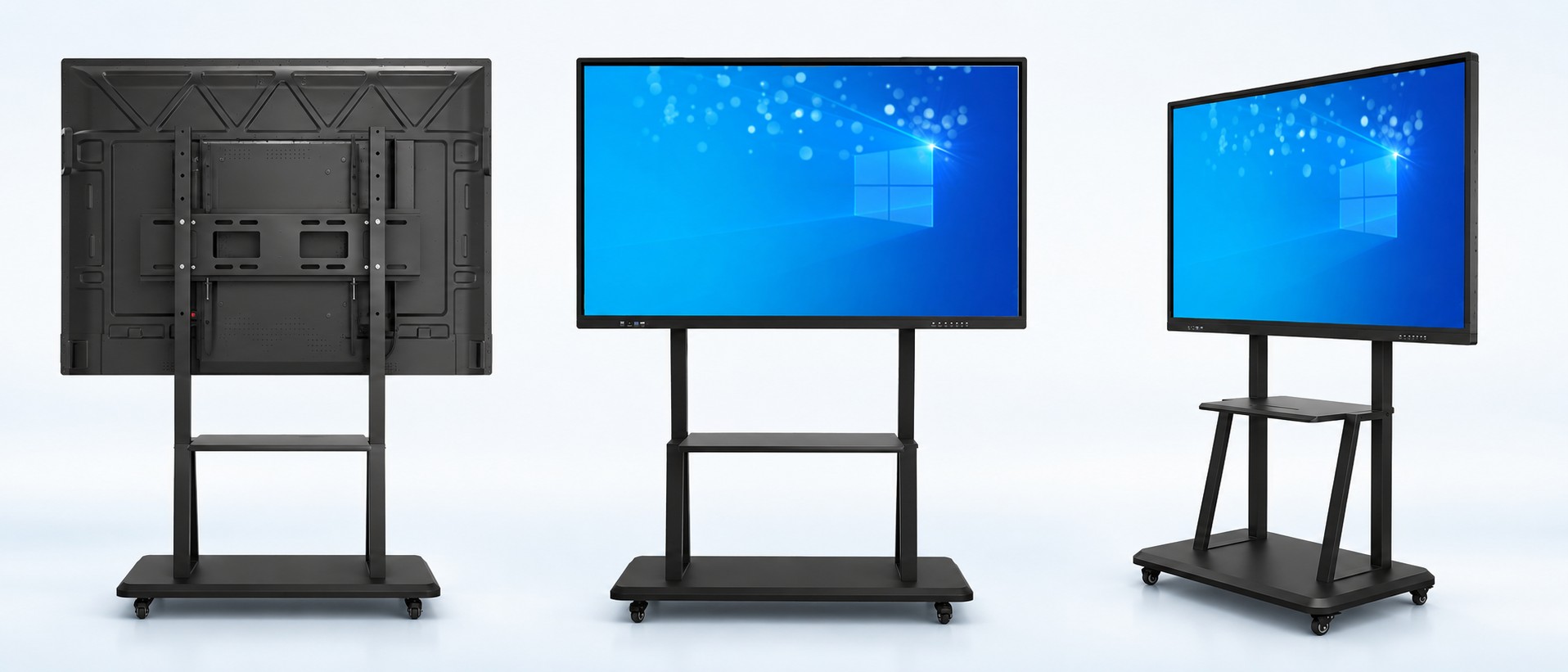
A professional interactive whiteboard combines a display, touch technology, operating system, connectivity, audio, camera and collaboration tools in a single device built for everyday work.
Every element is designed to simplify use in classrooms, meeting rooms and training spaces, reducing reliance on projectors, traditional whiteboards, external speakers and additional equipment.
The main display and interaction surface, designed to show high-resolution content and respond accurately to touch.
Enables smooth writing, annotations, selecting elements and collaboration between several users on the same screen.
Built-in Android for standalone use, with the option to add a Windows OPS module for a full computer environment.
Professional camera, smart microphones, built-in speakers and connections to work with multiple devices and platforms.
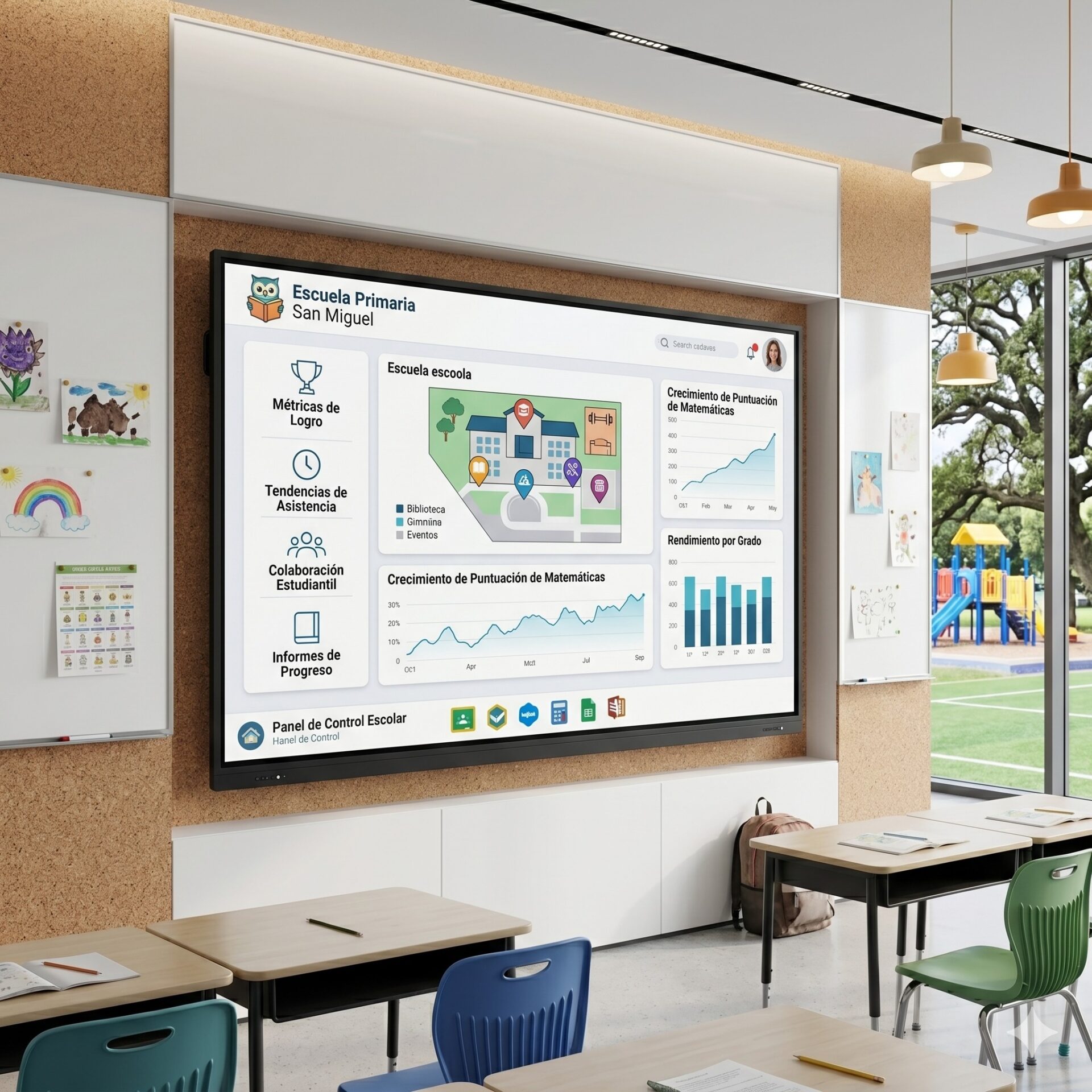
The 4K smart interactive whiteboard is one of the most complete solutions for modernising classrooms, meeting rooms and training spaces. By combining a display, digital whiteboard, touch system, video conferencing and wireless collaboration, it becomes a key tool for professional environments.
In education, it lets teachers and students work on digital content directly, visually and collaboratively. In business, it improves meetings, makes it easier to explain projects, allows teams to review documents together and conveys a more advanced, tech-savvy image.
Its compatibility with Windows, Android, macOS, Linux and mobile devices makes it easy to integrate into existing environments. Wireless mirroring also makes it simple to share content from several devices, improving productivity and reducing set-up time.
If you're looking for a solution for digital classrooms, vocational training, video conferencing or collaborative meetings, the 4K interactive whiteboard is a safe investment to improve communication, increase participation and project a modern, professional image.
An interactive display can be used in many settings to teach, present, train, collaborate and make decisions more clearly.
It is used to write, present, share screens, open documents, annotate, play videos, teach lessons, hold video conferences and work collaboratively in classrooms, companies and training rooms.
A normal display only shows content. An interactive whiteboard lets you touch, write, annotate, collaborate, share screens and work directly on documents or presentations.
It can be installed in primary and secondary schools, universities, academies, meeting rooms, training centres, companies, coworking spaces, professional practices and collaborative spaces.
The interactive whiteboard is available in different sizes, including 55”, 65”, 75”, 85” and 98”, depending on the room dimensions and viewing distance.
Yes. It supports wireless mirroring from compatible devices such as Windows and Mac computers, tablets, iPhone, iPad and Android devices, making meetings and lessons more agile.
Not always. The display has built-in Android and can work on its own. It can also take an optional Windows OPS module for a dual operating system.
At Yovisual we help you choose the most suitable size, configuration, mounting and installation for your space, type of use and your project's communication needs.