Faster ordering
Customers browse the menu and place their order on their own, reducing queues and speeding up service at peak times.



An interactive solution that lets customers browse the menu, customise products, place their orders and pay on their own, quickly and easily.
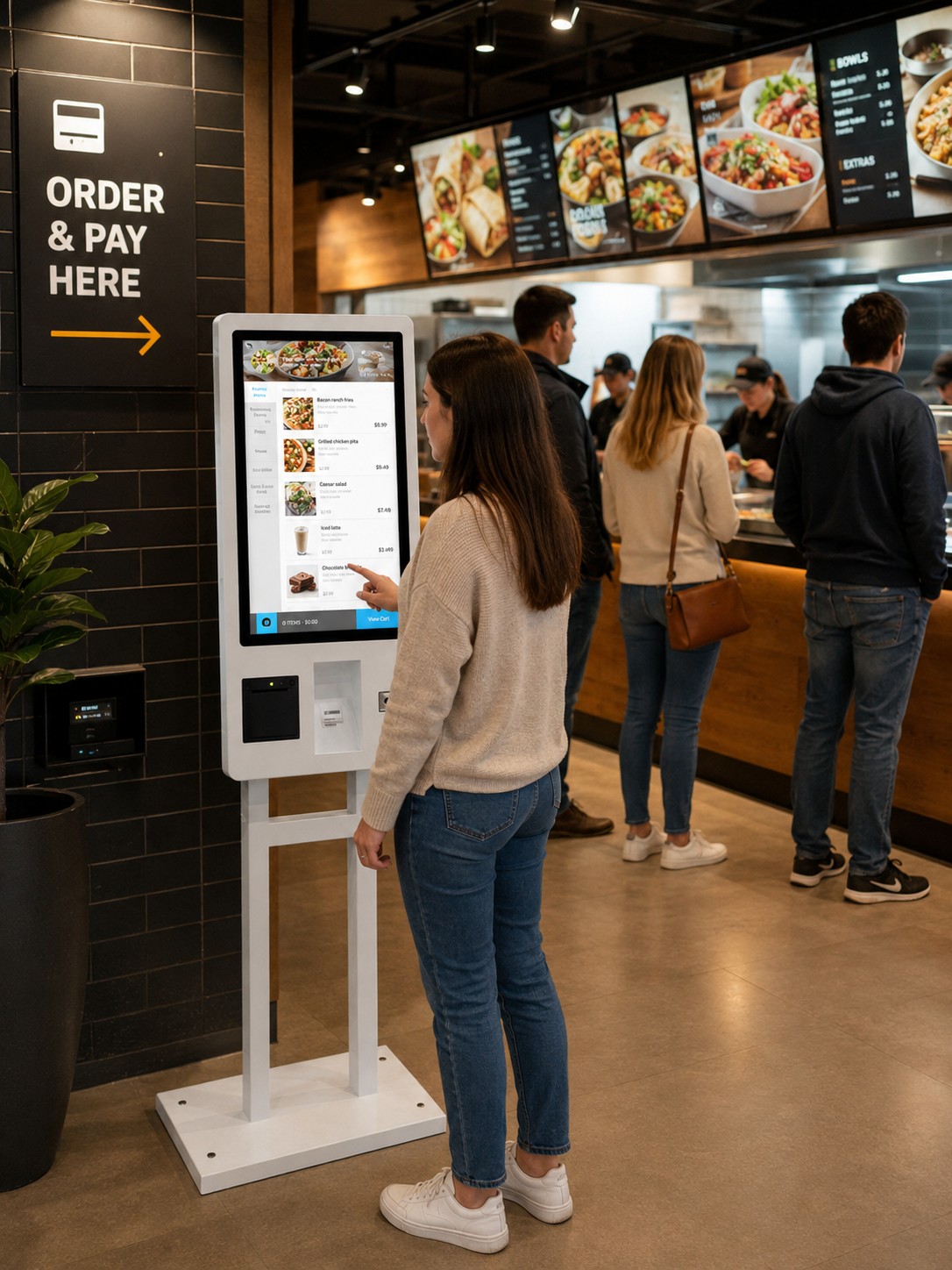
The customer selects products, adds extras, confirms their order and pays directly from a visual, intuitive interface.
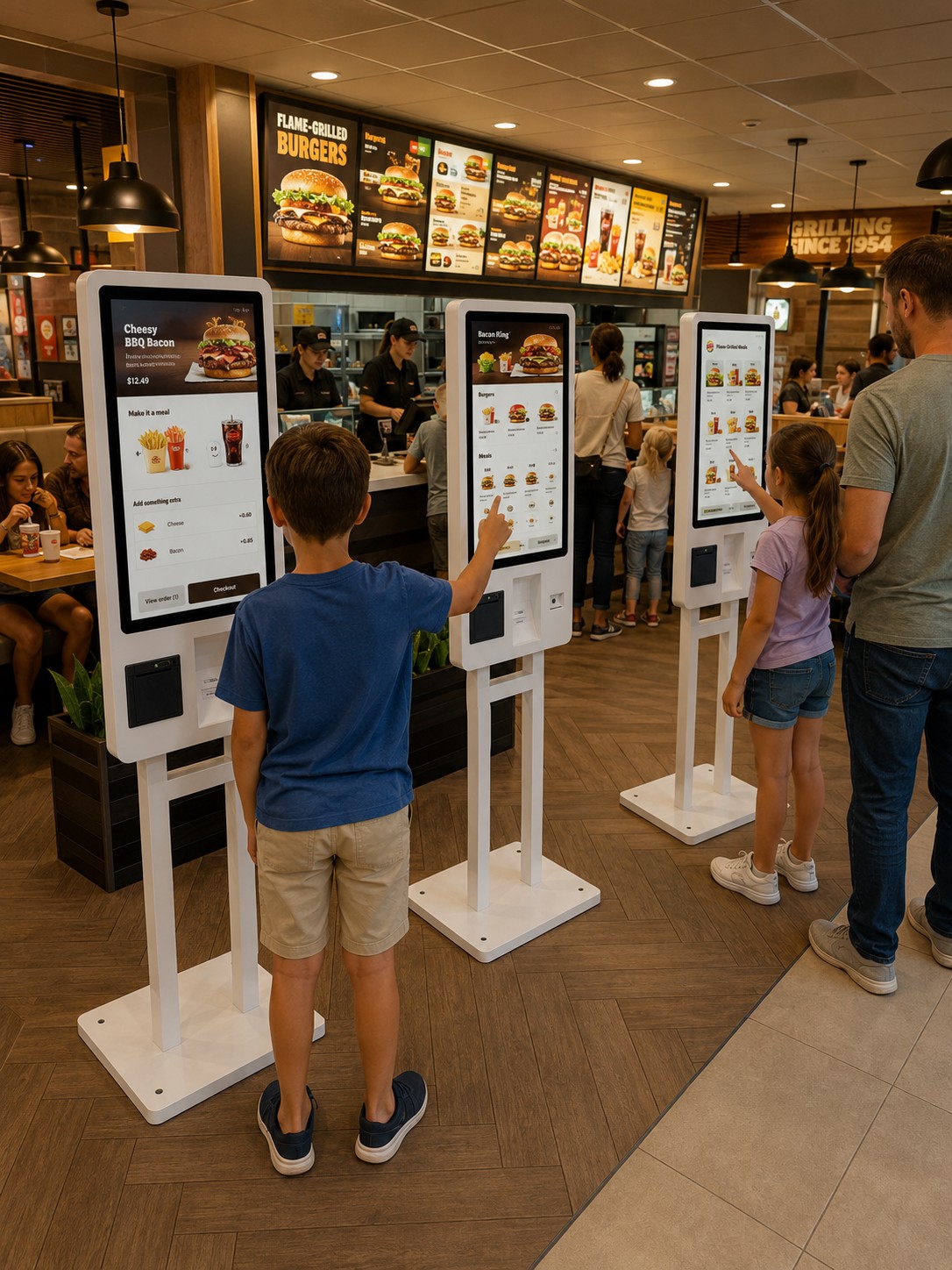
The 32-inch self-service ordering kiosk lets you digitalise order-taking in restaurants, cafés and fast-food outlets.
The customer interacts directly with the menu, selects products, customises their order, adds extras and confirms the purchase without constantly relying on staff.
This system reduces waiting times, improves internal organisation and cuts communication errors, as the customer reviews and confirms each item before checking out.
In addition, the kiosk can be integrated with POS software, the kitchen, the counter, receipt printers and payment systems, creating a more organised and efficient workflow.
A tool designed to serve more customers, reduce errors, optimise resources and increase sales opportunities.
Customers browse the menu and place their order on their own, reducing queues and speeding up service at peak times.
Each customer selects, reviews and confirms their order before paying, reducing misunderstandings and order-taking errors.
Lets customers choose sizes, ingredients, combinations, extras and changes through a clear, organised visual interface.
It can suggest add-ons, related products, meal deals and upgrades during the ordering process.
Supports card, contactless and mobile payment integration so the whole process can be completed at the kiosk.
Your team can focus on preparing orders, handling issues and improving service, rather than spending all their time taking orders.
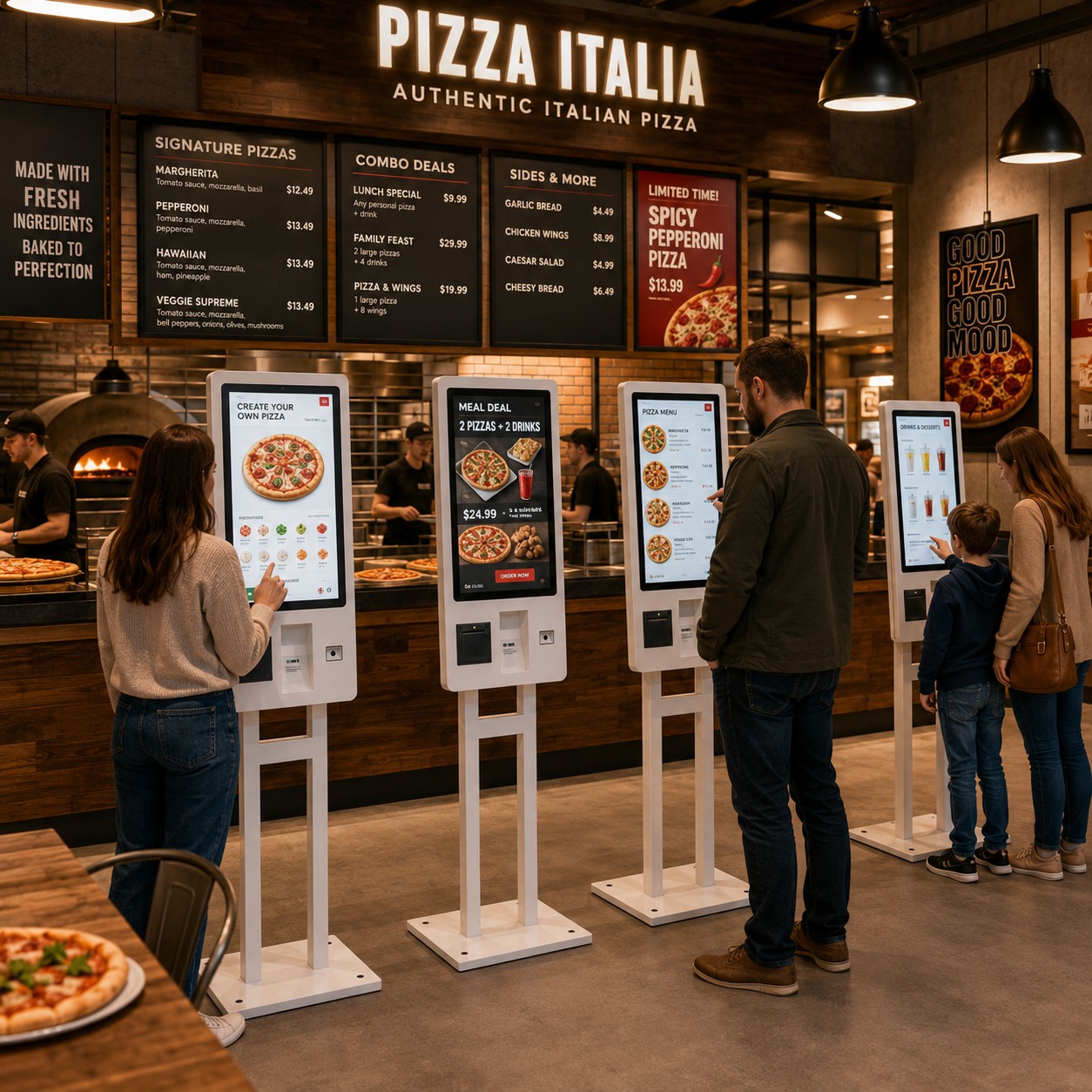
The kiosk interface is designed so that anyone can browse categories, view products and complete their order without difficulty.
Clear icons, product images, guided steps and a visually organised menu reduce friction during purchase and speed up the whole process, from initial selection to final payment.
A solution ready to integrate into the daily operations of restaurants, cafés and fast-food outlets.
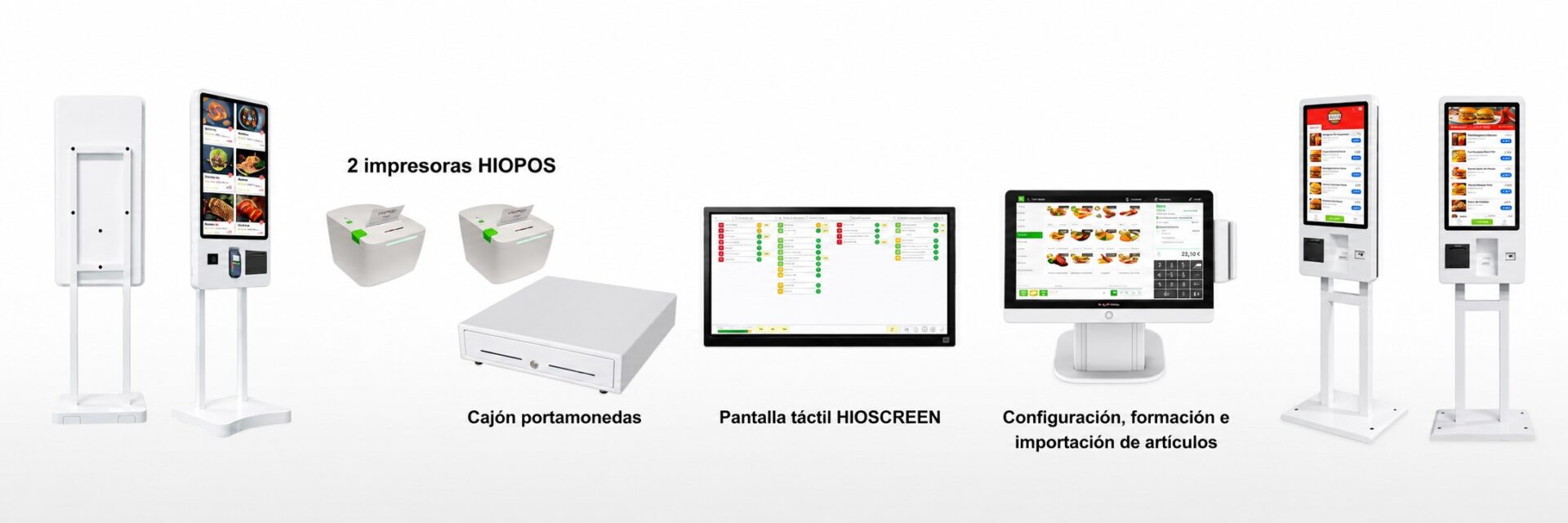
The self-service kiosk is part of a complete solution that connects the customer's selection with order management, payment, receipt printing and kitchen preparation.
To work properly, it must be configured with suitable POS software and the devices required for each venue's operations.
The main surface from which customers browse the menu, select products, customise their order and confirm their purchase.
The management system that connects orders, prices, products, kitchen, counter and internal operations.
They issue receipts for the customer and automatically send the necessary information to the kitchen or preparation areas.
Integration with electronic payment and the option to add a cash drawer or other components depending on the project's needs.
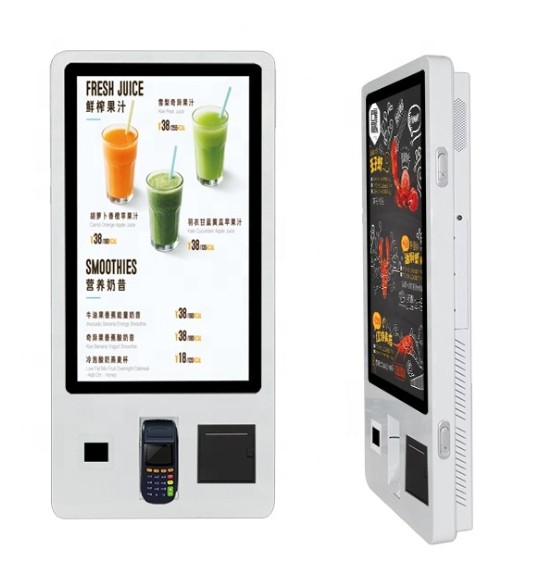
Introducing a self-service ordering kiosk directly improves the way your business runs. Orders are placed faster and more smoothly, queues shrink and communication errors between customers and staff are reduced.
The system lets you serve more customers in less time, especially at peak times. Staff can focus on preparation, delivery and direct service, improving the venue's overall performance.
It also works as an active sales tool, showing promotions, featured products, extras and recommended combinations at the exact moment of purchase.
Being able to update menus and prices remotely makes daily management easier, lets you react quickly to changes and keeps information organised at all times.
Especially suitable for venues that need to cut waiting times, organise orders and increase service capacity.
It is an interactive system that lets customers browse the menu, select products, customise their order and pay without staff needing to take the order.
This model features a 32-inch interactive touchscreen, designed for comfortable, clear and accessible visual navigation.
Yes. It can be connected to the POS software, kitchen, counter, receipt printers and the venue's internal management.
Yes. It can integrate card, contactless and mobile payments, depending on the configuration and components installed.
Yes. Products, menus, prices, promotions and content can be updated remotely, making day-to-day management of the business easier.
Yes. The system can show extras, complementary products, meal deals and promotions, encouraging upselling and a higher average spend.
At Yovisual we help you define the most suitable configuration, integration with POS software, the payment system, printers and the devices needed to adapt the project to the way your venue actually works.