Public bodies · Government offices · Public services

Advertising Screens for Public Bodies

Clear, accessible and always up-to-date public communication.

Advertising screens for public bodies improve communication with citizens, visitors and service users through clear, accessible and up-to-date notices, queue numbers, opening hours, public campaigns and public service messages.

✓ Remote CMS management
✓ Professional installation
✓ Technical support
↗
CommunicationReal-time notices
◫
ManagementCentralised CMS
6specialist solutions
100%remote CMS management
24/7continuous availability
£0update costs

Advertising screens for public bodies tailored to every space

Six solutions for town halls, government offices, healthcare centres, official bodies, public buildings and public service areas. They let you inform, manage queues, guide users and improve institutional communication from a centralised platform.

Public serviceAdvertising screens for public bodies at a public service point
01 · Service point

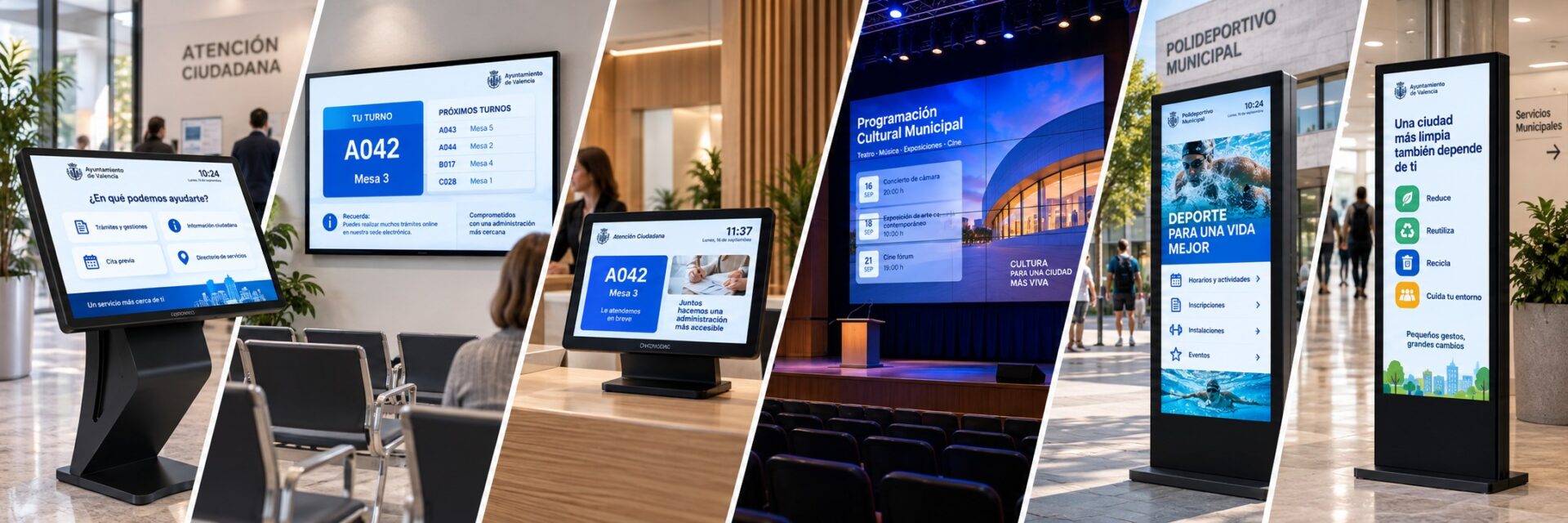
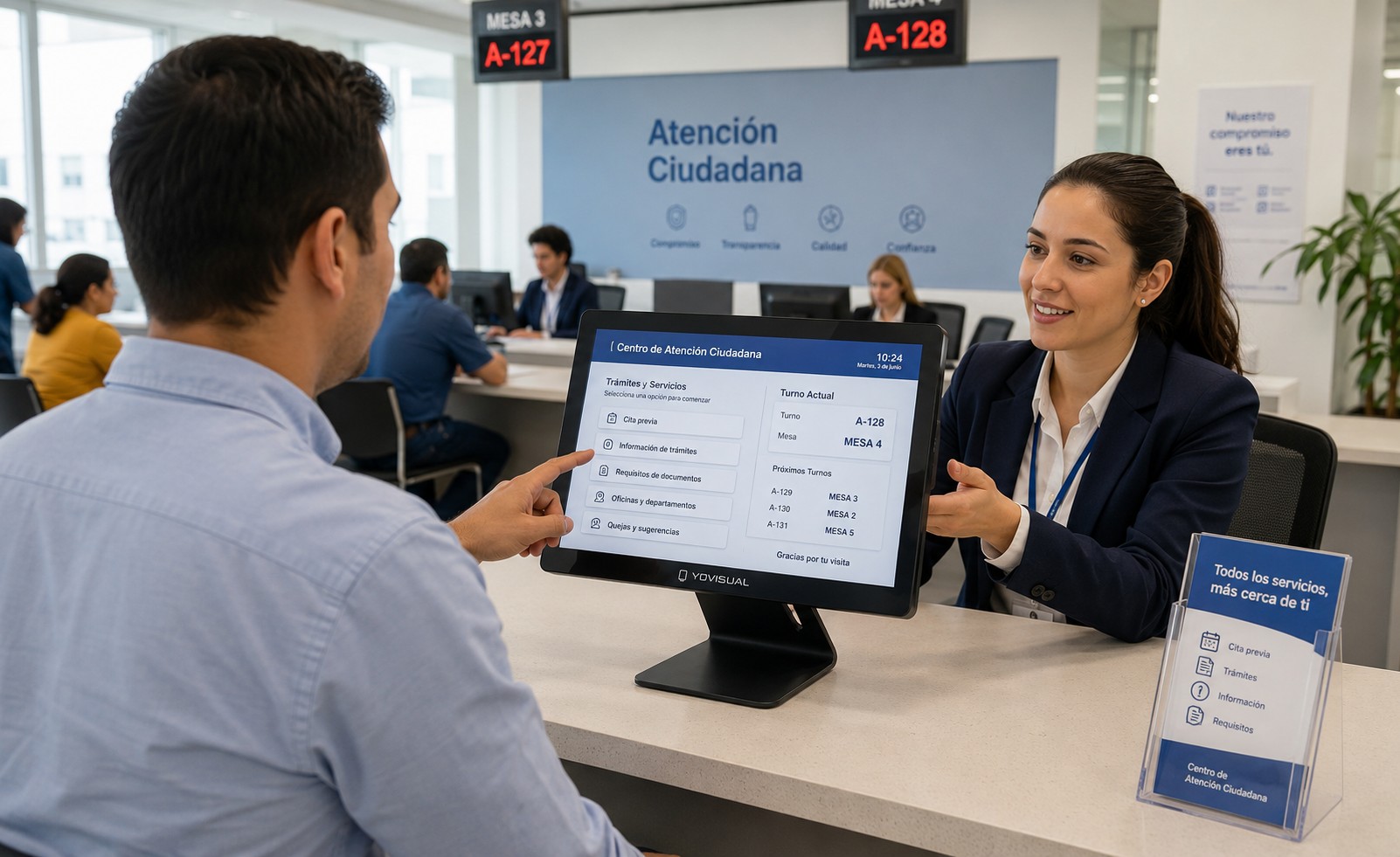
Countertop Display

Ideal for waiting rooms, council offices, registry offices, administrative centres and public service points.

  • Clear display of the current ticket number
  • Desk or counter indication
  • Reduces waiting times and confusion
  • Perfect for public services
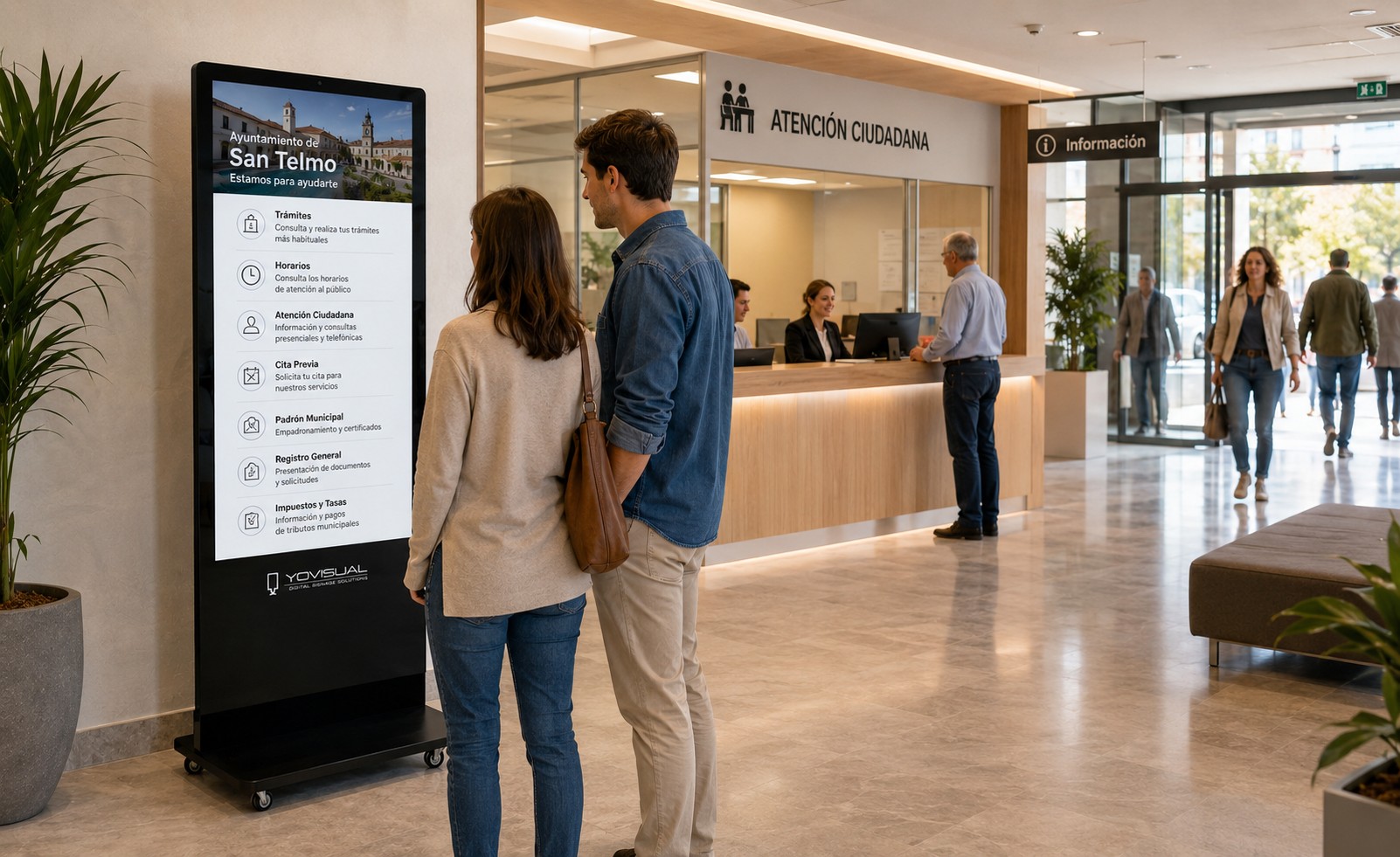
LobbiesDigital information totem for town halls and administrative buildings
02 · Portrait information

Portrait Totem

A portrait solution for lobbies, main entrances and through areas where citizens need quick information.

  • Office directories
  • Opening hours and official notices
  • Elegant, professional design
  • Remote content management
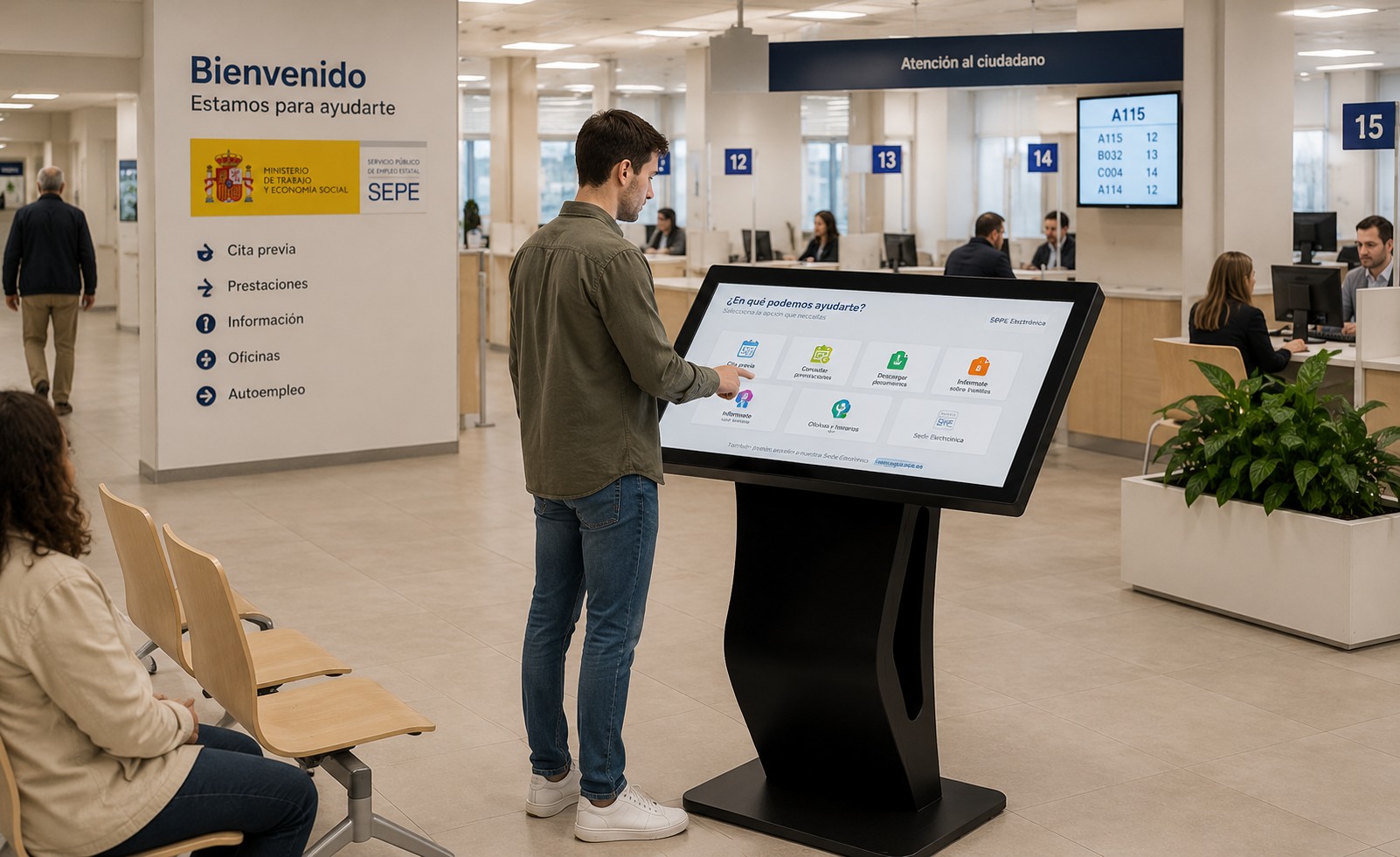
InteractiveInteractive touchscreen kiosk for procedures and public information
03 · Self-service

Interactive Touchscreen Kiosk

Lets citizens look up information, find departments, access services or check on procedures independently.

  • Procedure enquiries
  • Maps and directories
  • Intuitive touchscreen
  • Improves public service
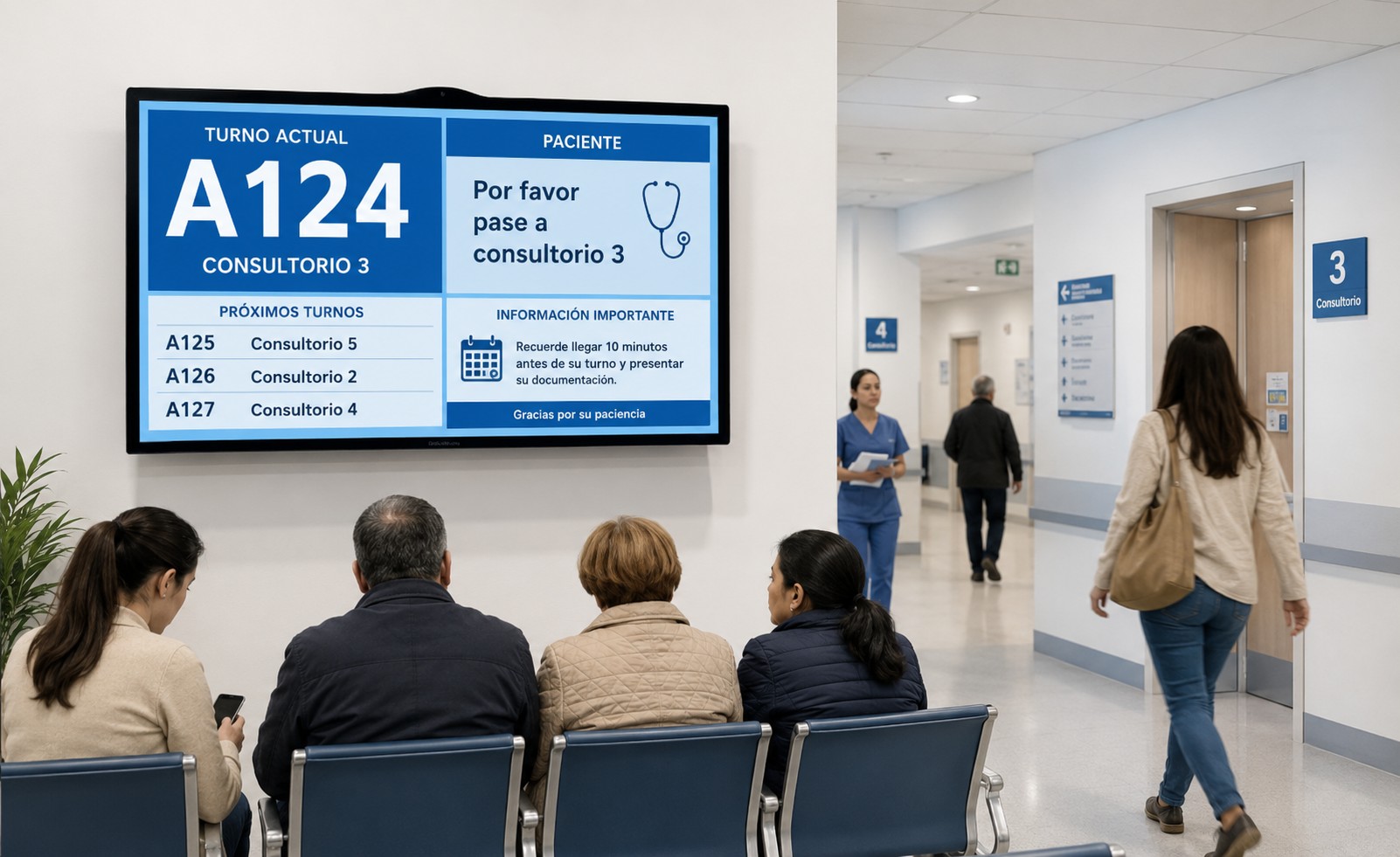
Waiting roomsWall-mounted information display for public building waiting rooms
04 · Group information

Wall-Mounted Information Display

Recommended for waiting rooms, corridors, communal areas and spaces where several people need to be informed at once.

  • Institutional notices
  • Public service information
  • High indoor visibility
  • Ideal for waiting rooms
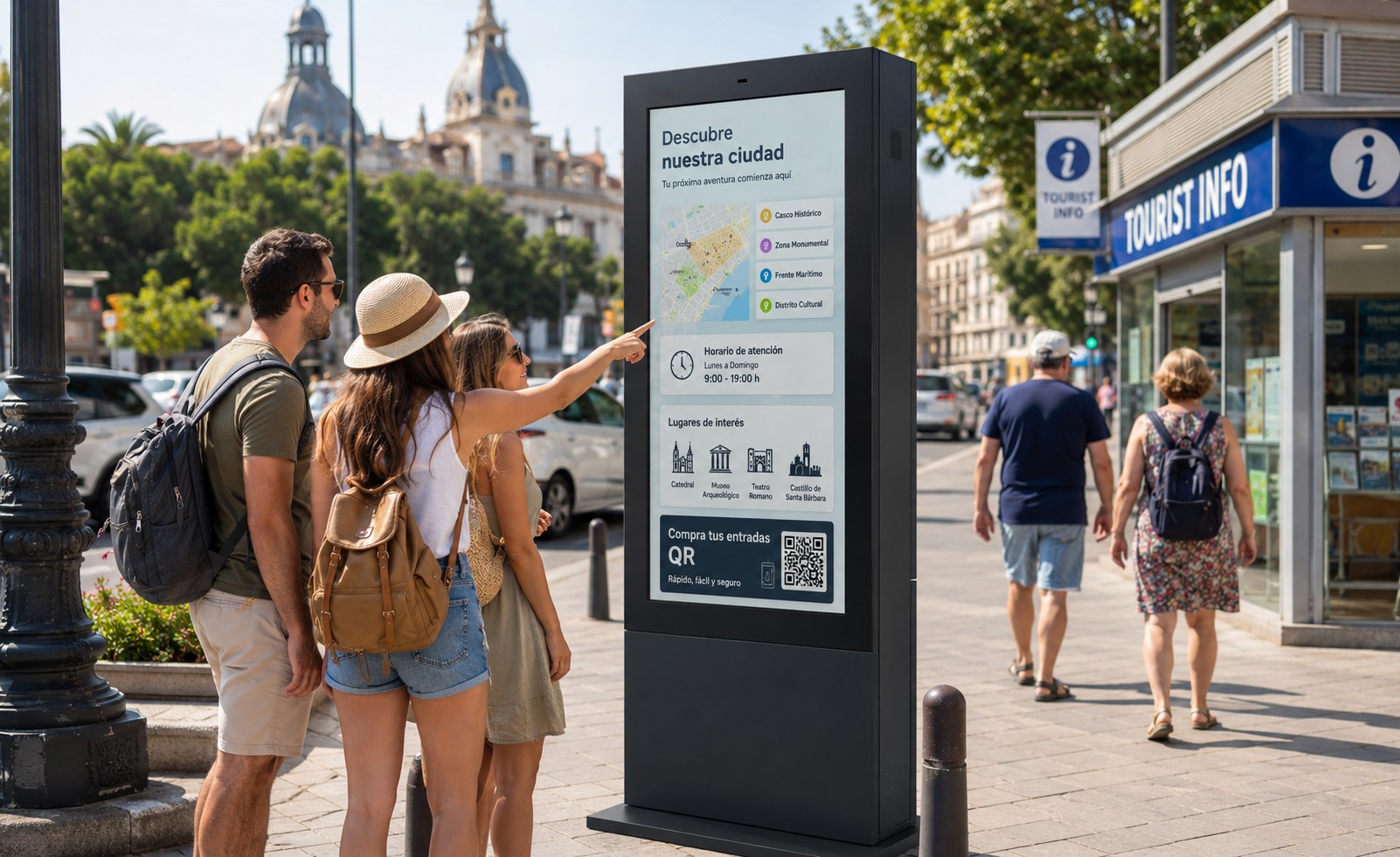
OutdoorOutdoor digital totem for public building entrances
05 · Entrances and façades

Outdoor Totem

Perfect for glass façades, council entrances and public buildings that need to communicate outwards.

  • Visible from the street
  • Announcements and campaigns
  • High brightness
  • Continuous operation
Large formatLCD video wall display for auditoriums and institutional spaces
06 · Auditoriums and events

LCD Video Wall Display

A large-format solution for auditoriums, assembly halls, cultural centres, council meetings and official presentations.

  • Scalable large format
  • Official events
  • Auditoriums and halls
  • Strong visual impact

Does your organisation communicate with the clarity citizens deserve?

Out-of-date noticeboards, printed posters that are hard to replace and static signage cause confusion and unnecessary enquiries. Advertising screens for public bodies let you centralise information, keep it current and communicate urgent changes more clearly.

×
The usual situation

Without digital signage

  • Printed notices that go unnoticed on noticeboards
  • Out-of-date information that causes confusion and unnecessary enquiries
  • Difficulty communicating urgent changes or last-minute notices
  • Less clarity for citizens in finding their way and using the space
  • An outdated institutional image that doesn't reflect the modernisation of the service
✓
Dynamic communication

With Yovisual screens

  • Notices updated instantly from any connected device
  • Information always current, reducing questions and improving service
  • Emergency and urgent change communication in real time
  • Better wayfinding for citizens with clear, dynamic signage
  • A modern, orderly public image in line with digital transformation

Benefits of advertising screens for public bodies

01
◷

Instant information

Update notices, opening hours and urgent changes in seconds from any device, without having to be there.

Instant updates
02
◎

Better public service

Reduce unnecessary enquiries by displaying clear, up-to-date information that citizens can read before being seen.

Better service
03
⌂

A modern institutional image

Conveys modernisation, transparency and commitment to the digital transformation of public services.

Public image
04
↗

Clear visual wayfinding

Dynamic signage that guides citizens around the space intuitively and reduces congestion at service points.

Wayfinding
05
€

Printing savings

Eliminates the ongoing cost of posters, noticeboards and printed material that constantly needs replacing.

Lower costs
06
◫

Centralised management

Control all the screens in the building or across several sites from a single cloud-based CMS platform.

Cloud CMS
07
!

Real-time emergencies

Publish emergency messages, closures or important alerts on all screens simultaneously in seconds.

Urgent communication
08
✓

High-performance hardware

Professional displays for continuous 24/7 use in demanding environments with minimal maintenance.

Professional use
◫
Remote CMS management

Centralise communication across one or several buildings

Update notices, opening hours, public campaigns, queue numbers or emergency messages from a computer or phone and publish them on one or several screens.

Request information →

What can your organisation communicate?

Digital signage brings public service information, wayfinding, campaigns and notices together in a clear visual channel that is easy to update.

Touchscreen kiosk for information and procedures in a public body
01

Urgent notices

02

Service opening hours

03

Queue management

04

Institutional campaigns

05

Local council events

06

Regulations and procedures

07

Directories and maps

08

Public information

A digital solution to inform, guide and serve better

The different screen types let you adapt communication to the citizen's journey, from the outside entrance to the service point, the waiting room or the assembly hall.

Digital information totem in an administrative building
01Before entering

Entrances and façades

Information visible from outside

Opening hours, announcements, campaigns and notices before entering the building.

High brightness

Solutions designed for entrances and areas with strong light exposure.

02On arrival

Lobbies and wayfinding

Directories and maps

They help people find departments, floors and services more intuitively.

General notices

Relevant institutional information visible in through areas.

03While waiting

Queues and public service

Queue management

Shows the current ticket number and the corresponding service desk or counter.

Public information

Reduces repetitive enquiries with clear, up-to-date content.

04Events and communication

Auditoriums and large format

Official events

Presentations, council meetings, conferences and institutional communications.

Scalable format

Modular panels for spaces that need strong visual impact.

Screens adaptable to different organisations and service spaces

From town halls and citizen offices to cultural centres, sports facilities or auditoriums, the same platform keeps communication consistent and centralised.

Digital totem for a town hall
01

Town halls

Notices, opening hours, council campaigns, directories and public service communication.

Service display in an administrative building
02

Administrative buildings

Queue numbers, information on procedures, directions and messages for public service areas.

Modular panel in a cultural centre
03

Cultural centres

Programmes, events, exhibitions, activities and large-format institutional content.

Outdoor screen at a public facility
04

Sports facilities

Opening hours, rules of use, competitions, activities and notices visible from entrances and communal areas.

Interactive kiosk in a citizen service office
05

Citizen service offices

Self-service information, wayfinding, directories and access to services or procedures.

Information display in a public waiting room
06

Waiting rooms

Service information, queue numbers, public campaigns and notices for several people at once.

Digital information display in a state school
07

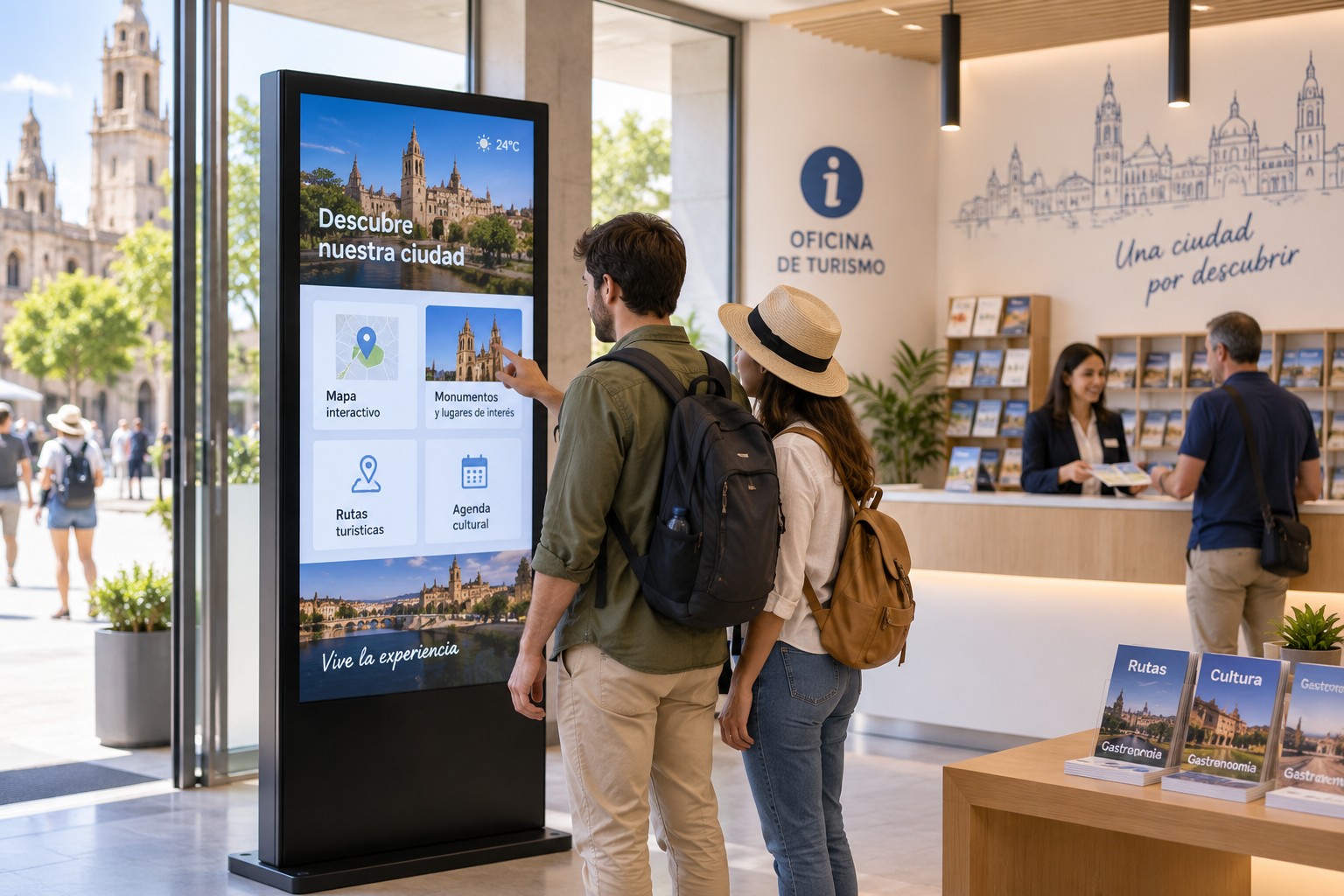
Tourist information office

Opening hours, activities, notices, maps and general communication for visitors.

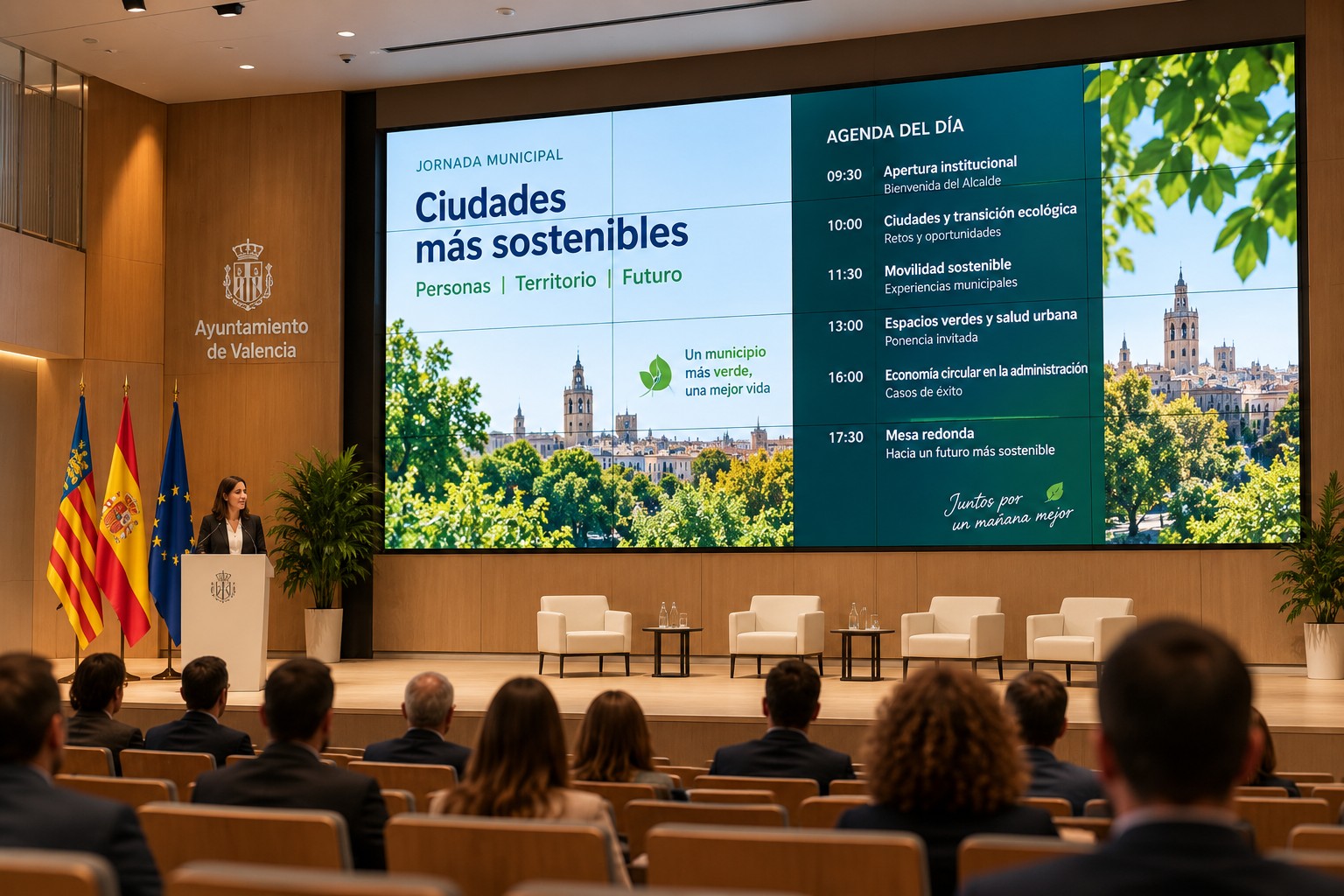
Large-format screen in a public auditorium or assembly hall
08

Auditoriums and assembly halls

Agenda, signage, talks, official events and large-format audiovisual content for institutional events.

Questions about advertising screens for public bodies

Everything you need to know before introducing advertising screens in town halls, government offices and public service buildings.

What information can advertising screens for public bodies show?+

Advertising screens for public bodies can show urgent notices, opening hours, queue management, public campaigns, council events, regulations, procedures, directories, maps, public information and emergency messages. Everything can be updated in real time from the CMS.

Can they be installed outside public buildings?+

Yes. There are dedicated outdoor solutions with higher brightness and IP65 protection against rain, dust and temperature changes. They are ideal for public building entrances, town hall façades, sports facility entrances or open-air spaces.

Are they useful for town halls and council buildings?+

Yes. Town halls are one of the settings where digital signage adds the most value. They help communicate better with residents, visitors and users of council services, reduce the burden of enquiries at the counter and convey the image of a modern, transparent administration.

Can content be managed by the communications department?+

Yes. Yovisual's CMS is intuitive and requires no technical knowledge. Anyone in the communications or administration department can update content, schedule campaigns and manage all the organisation's screens from a computer or phone.

Are the screens accessible to people with disabilities?+

Yes. Yovisual solutions let you configure content with large typefaces, high contrast, subtitles and accessible formats. Interactive kiosks can be integrated with accessibility systems to support access to information. See also the official UK guidance on public sector accessibility requirements.

Does Yovisual offer installation and technical support for public bodies?+

Yes. Yovisual provides personalised advice, professional installation and ongoing technical support. We support the organisation from planning the screen layout to staff training and everyday use of the content management system.

Personalised advice

Ready for your organisation to communicate more clearly and in a more modern way?

Contact Yovisual →