Care homes · Senior centres · Communal areas

Advertising Screens for Care Homes

Clear, friendly and easy-to-update information for residents, families and visitors.

Advertising screens for care homes improve communication with residents, families and visitors through clear, visible and easy-to-update digital content at reception, in corridors and in communal areas.

✓ Large text, easy to read
✓ Centralised management
✓ Real-time updates
Aa
AccessibilityClear, visible content
↻
UpdatesMenus and notices kept current
Large textclear, accessible content
Real timeupdated menus and notices
Better organisedcentralised communication
3recommended solutions

Advertising screens for care homes: recommended solutions

Choosing advertising screens for care homes depends on the area, the lighting and the reading distance. For this sector we recommend three professional formats that cover reception, corridors, dining rooms, waiting rooms and lounges.

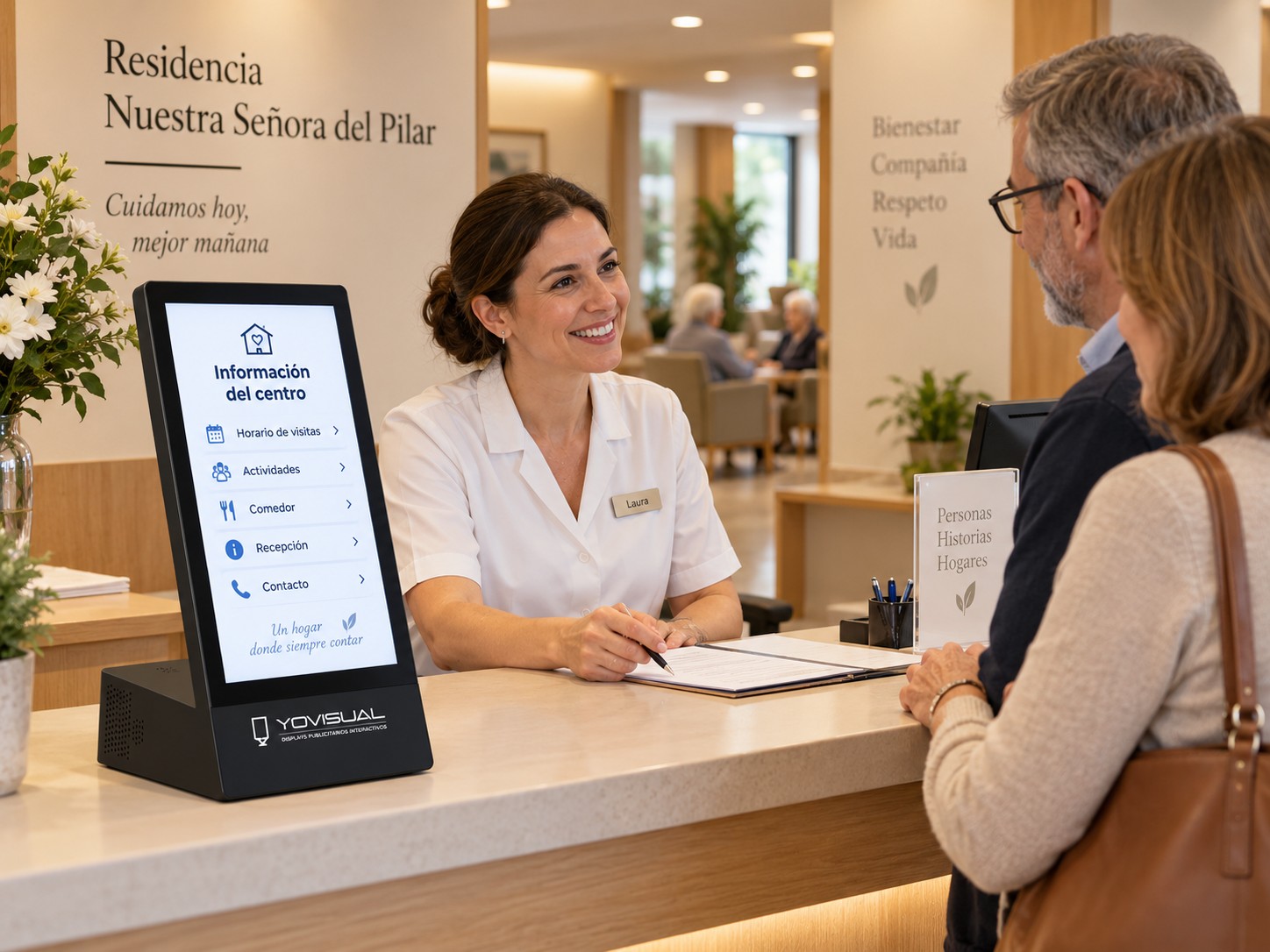
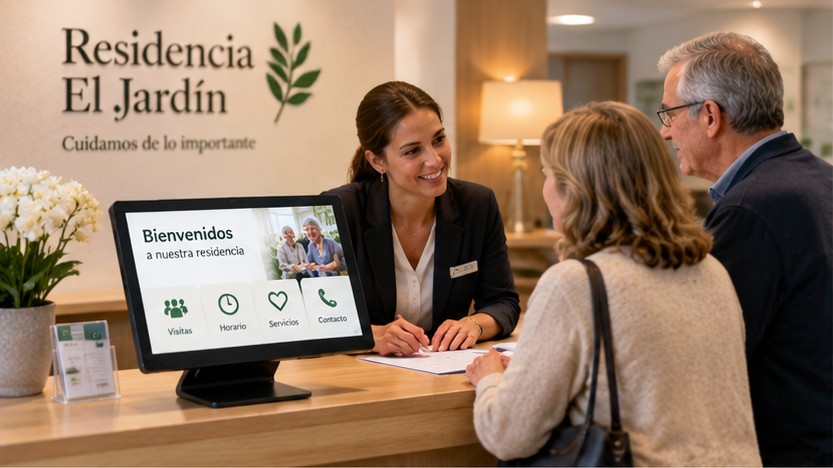
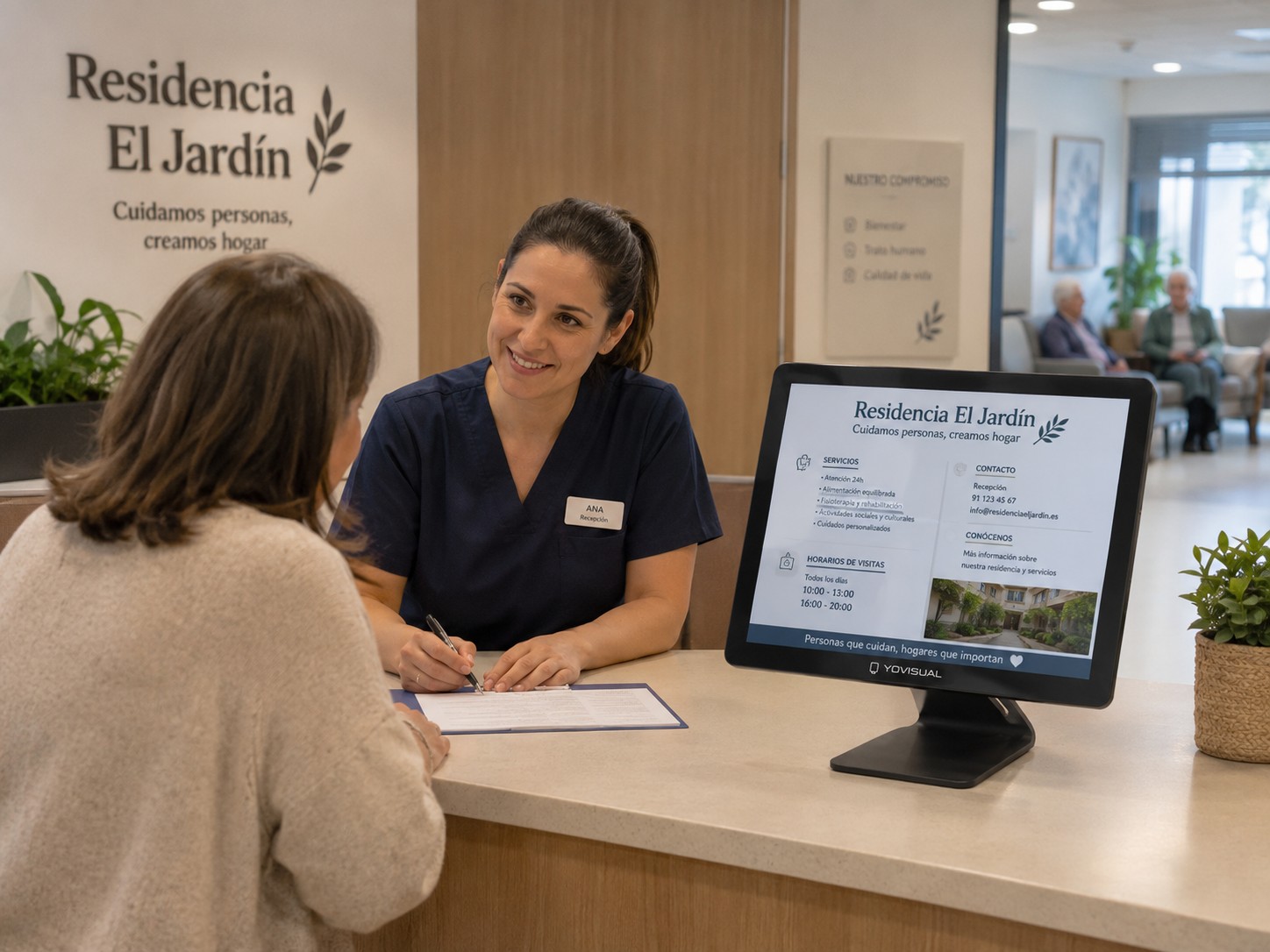
Reception Advertising screens for care homes with a countertop display at reception
01 · Reception

Countertop Display for Reception

Ideal for the main desk, visitor information, opening hours, contact details and welcome messages.

  • Compact, friendly format
  • Visiting hours and rules
  • Welcome messages
  • Information for families
  • Quick content updates
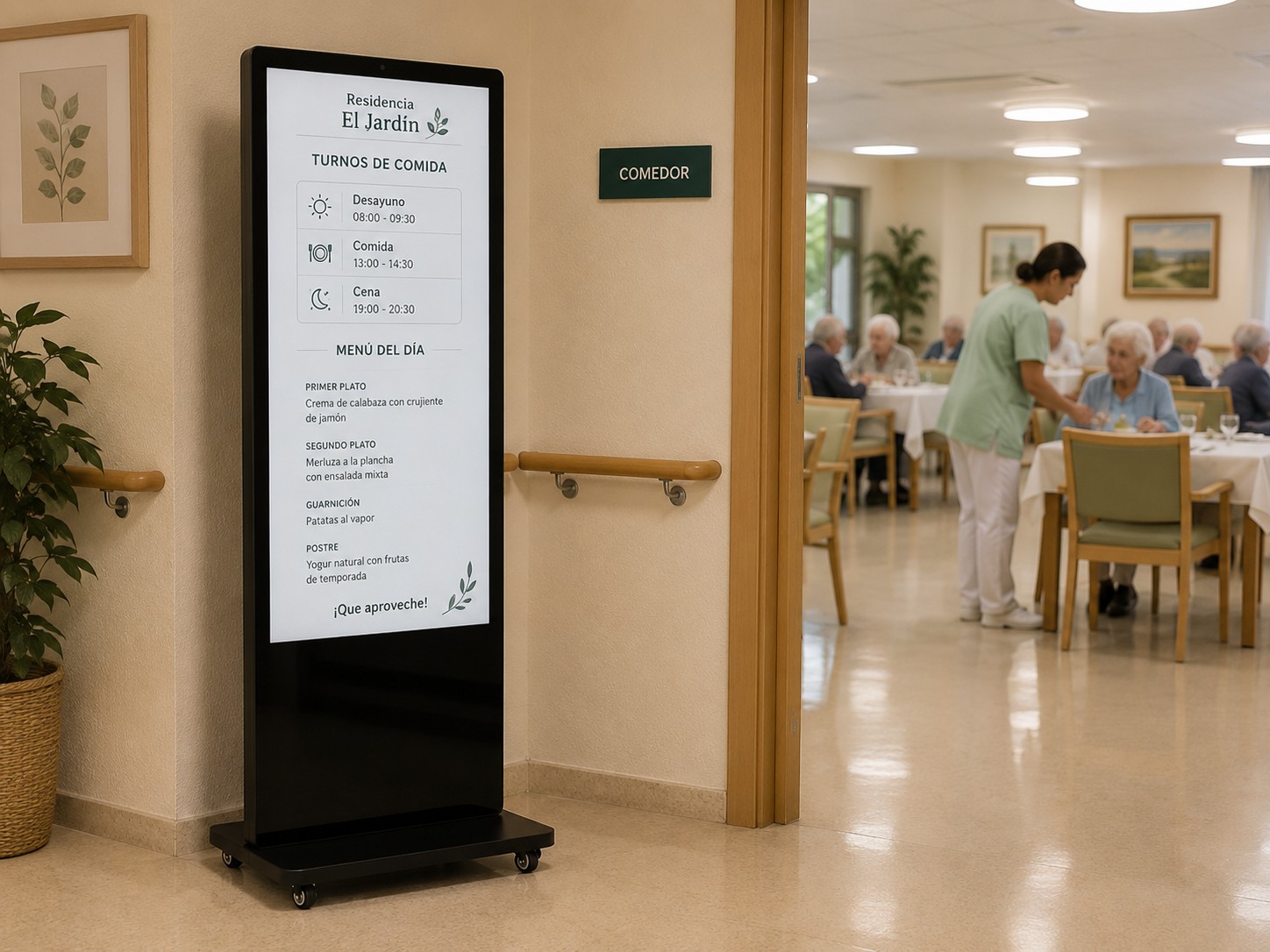
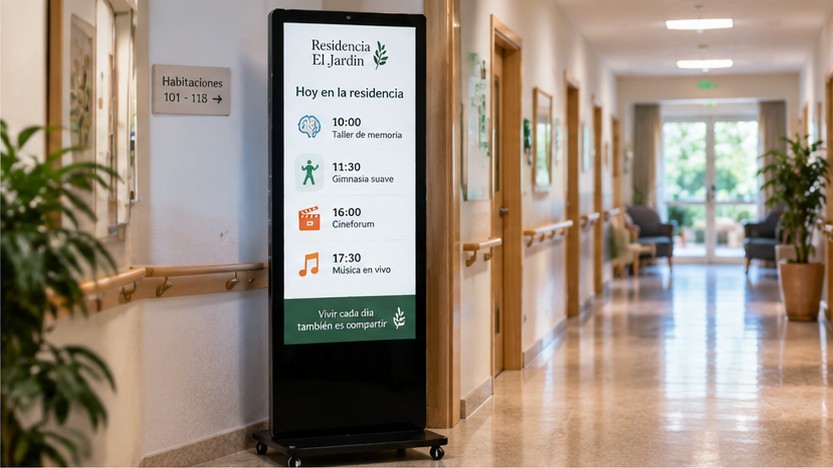
Corridors and walkways Indoor portrait totem for care homes
02 · Entrances and corridors

Indoor Portrait Totem

Perfect for entrances, main corridors and communal areas where maximum visibility and well-organised communication are needed.

  • High indoor visibility
  • Wayfinding for visitors
  • Activities and events
  • Menus and timetables
  • Sturdy, professional design

More organised, visible and easy-to-maintain communication

Screens let you centralise the home's day-to-day information and update it whenever timetables, activities, menus or notices change.

✕
Before

Without digital screens

  • Printed posters that quickly go out of date.
  • Information scattered around the home.
  • Timetable changes that are hard to communicate.
  • Menus and activities that are barely visible.
  • Greater reliance on staff to answer basic questions.
Yovisual
✓
After

With Yovisual screens

  • Clear information at reception and in communal areas.
  • Quick updates to menus, timetables and activities.
  • Better wayfinding for families and visitors.
  • A more modern, polished and professional image.
  • More organised and accessible internal communication.

Advantages of advertising screens for care homes

Advertising screens for care homes help keep residents, families, visitors and staff informed with visual content tailored to each area of the home.

01
↻

Information always up to date

Change notices, activities, timetables or menus in seconds, without printing new posters.

Up-to-date content
02
👥

A better experience for families

A screen at reception can show visiting hours, house rules, events, services and welcome messages.

Information from the entrance
03
Aa

Accessible visual communication

Present content with large text, clear images and simple messages to make it easy to read and understand.

Easy reading
04
★

A professional image for the home

The home conveys organisation, modernity and attention to detail from the moment visitors walk in.

A better-kept home
05
▣

Menus, timetables and activities

Publish the daily or weekly menu, workshops, physiotherapy, celebrations and planned activities.

Visible schedule
06
⌖

Better indoor wayfinding

Helps families and visitors find reception, rooms, the dining room, communal areas and care spaces.

Clear wayfinding
07
♥

Friendly messages and celebrations

Share birthdays, anniversaries, welcomes for new residents and corporate messages from the home.

Sense of community
08
▤

Less printed signage

Reduces the build-up of sheets and out-of-date notices on noticeboards, in corridors and in communal areas.

Greater visual order
☁
Centralised management

Update one or several screens from a single place

Menus, activities, timetables, workshops, physiotherapy, events and notices can be edited and distributed centrally, even when the screens are in different areas of the home.

Request information →

What can a care home communicate on its screens?

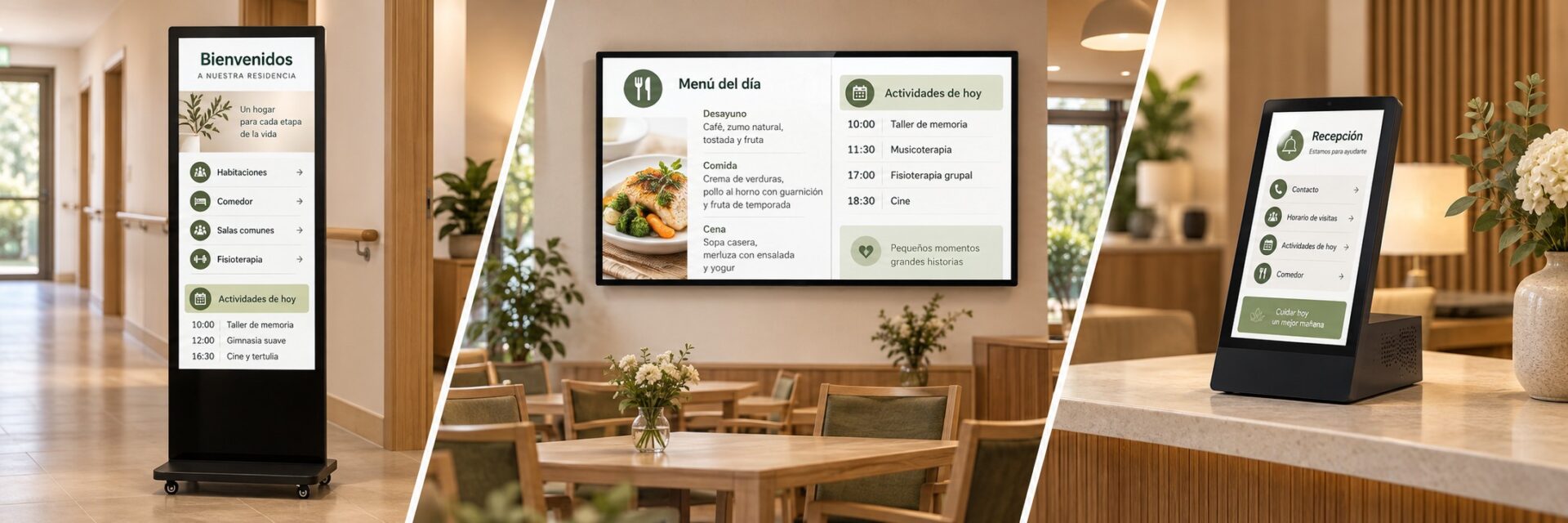
A single screen network can combine practical information for residents, messages for families and content that helps create a friendlier, more organised environment.

Digital totem showing information in a care home
Accessible reading: designs can use large typefaces, high contrast, clear images and short messages to make them easier for residents to read and understand.
01

Daily or weekly menu

02

Visiting hours and rules

03

Activities and workshops

04

Physiotherapy

05

Birthdays and celebrations

06

Welcome messages

07

General notices from the home

08

Wayfinding for visitors

The right information at every point in the home

The location determines the type of message, the screen format and the reading distance. This avoids information overload and keeps communication useful for each audience.

Digital screens installed in a care home
1Reception

Welcome visitors

Opening hours, visiting rules, services, contact details and welcome messages for families and visitors.

2Corridors

Guide and inform

Portrait totems with directions, activities, notices and visual cues to help people find the main areas of the home.

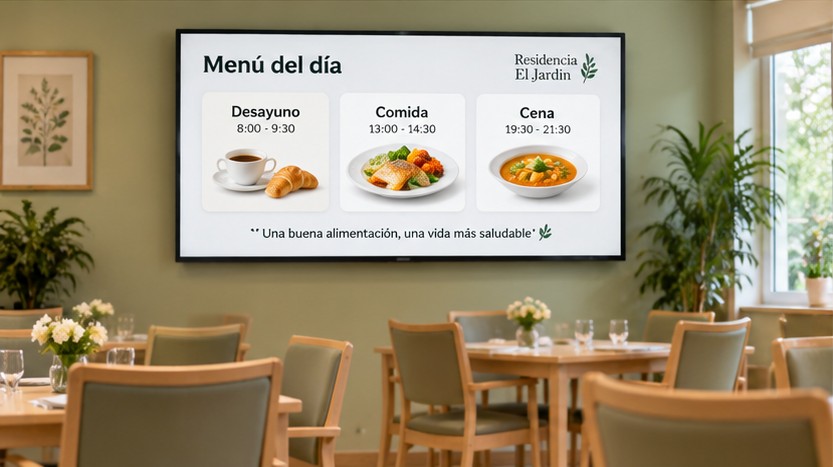
3Dining room

Show menus and timetables

Daily or weekly information visible from different points, updated whenever dishes, times or events change.

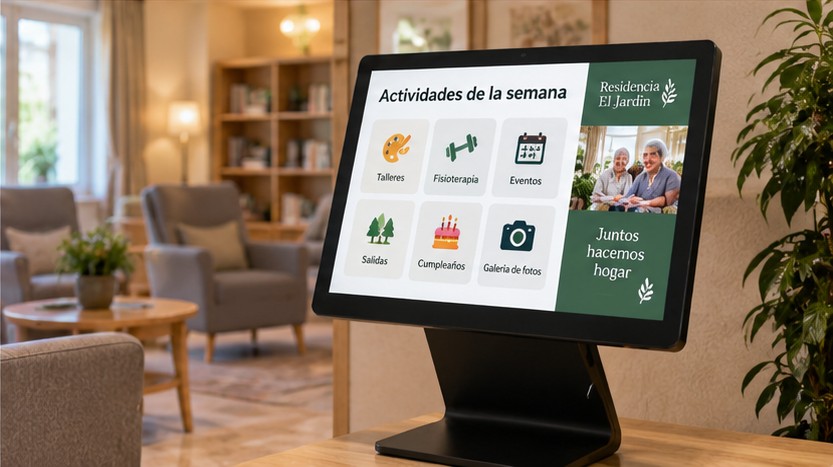
4Communal areas

Build community

Workshops, physiotherapy, celebrations, birthdays, activities and friendly messages for residents and families.

Reception, corridors, dining room and lounges

Three formats cover the home's main communication points and adapt visibility to the setting and reading distance.

Countertop display at a care home reception
01 · Reception

Main desk

Visitor information, opening hours, contact details and welcome messages.

Portrait totem in a care home corridor
02 · Corridors

Corridors and walkways

Maximum visibility to guide visitors and show activities, events, menus and timetables.

Information display in a care home dining room
03 · Dining room

Menus and schedule

Daily or weekly menu, celebrations, workshops, physiotherapy and notices visible from several points.

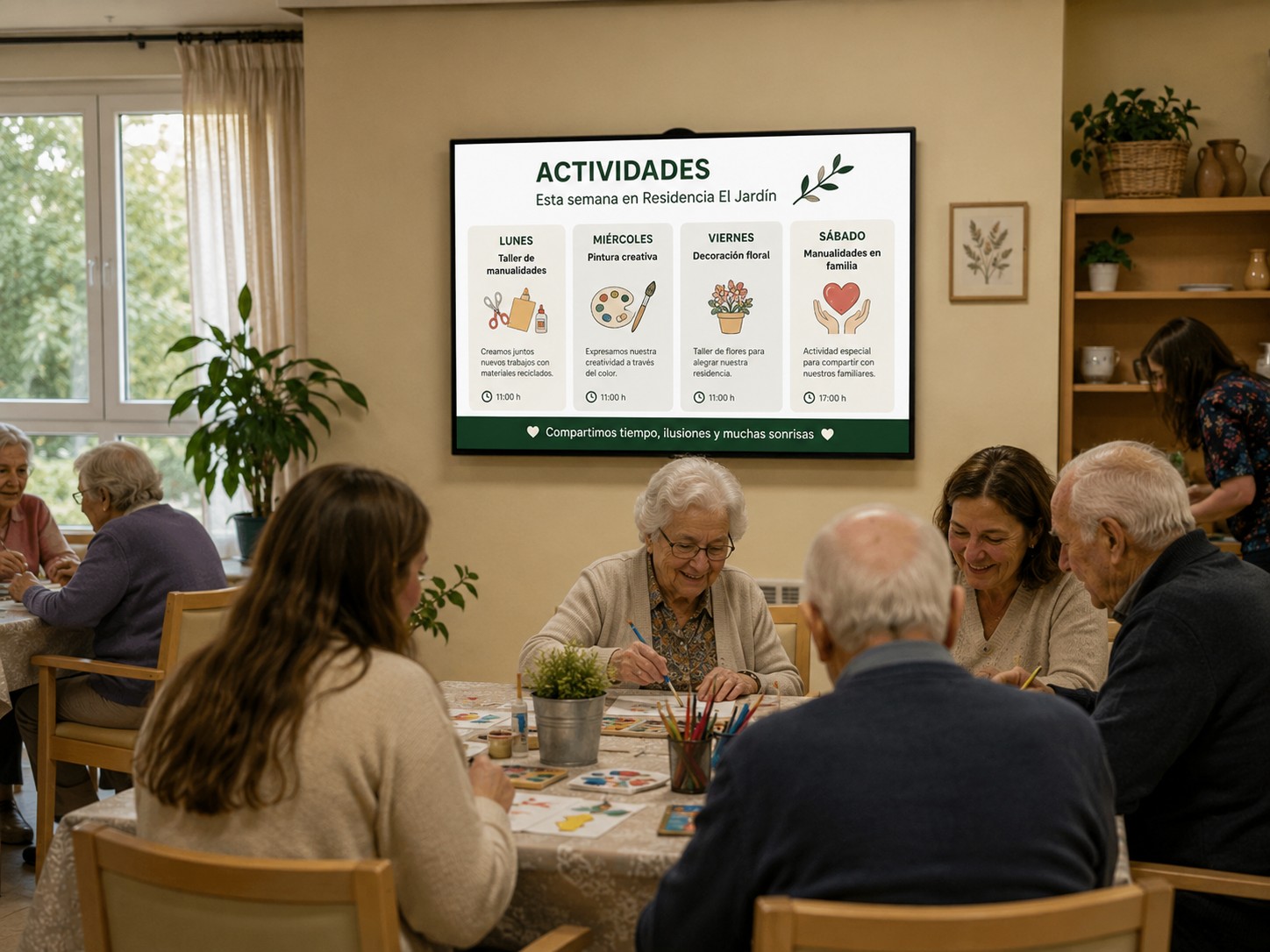
Digital screen in a care home communal area
04 · Communal areas

Lounges and communal spaces

Friendly content, activities at the home and messages that strengthen community life.

Questions about advertising screens for care homes

Everything you need to know before adding advertising screens for care homes to the reception, communal areas and information points of your home.

Which screen is best for a care home?+

For reception, the countertop display is a compact and friendly solution. In entrances, corridors and communal areas, the portrait totem offers greater visibility. For dining rooms, activity rooms or lounges, we recommend a wall-mounted information display.

Can I update menus and activities every day?+

Yes. You can change menus, timetables, activities, workshops, physiotherapy, events and notices in a few seconds, without printing new posters.

Can content be shown in large text?+

Yes. Designs can use large typefaces, high contrast, clear images and short messages to make them easier for residents to read and understand.

What information can be shown for families?+

Visiting hours and rules, available services, events, reception information, welcome messages, activities at the home and general notices that do not contain personal data or sensitive medical information.

Can birthdays and celebrations be published?+

Yes. The screens can be used to wish residents a happy birthday, announce celebrations, welcome new residents or share friendly messages that strengthen the sense of community.

Can the screens be managed from a single place?+

Yes. Content can be managed centrally and sent to one or several screens, even when they are installed in different areas of the home.

Will Yovisual advise me on which screen to choose?+

Yes. We look at the location, reading distance, lighting and type of content to recommend the most suitable solution for each area of the care home.

Clear, friendly communication

Would you like to improve the day-to-day information in your care home?

Contact Yovisual →